Stop Guessing: Get Actionable Results with User Testing
What We Offer
Formative Testing
Summative Testing
First-click Testing
Heuristic Evaluation
How We Test
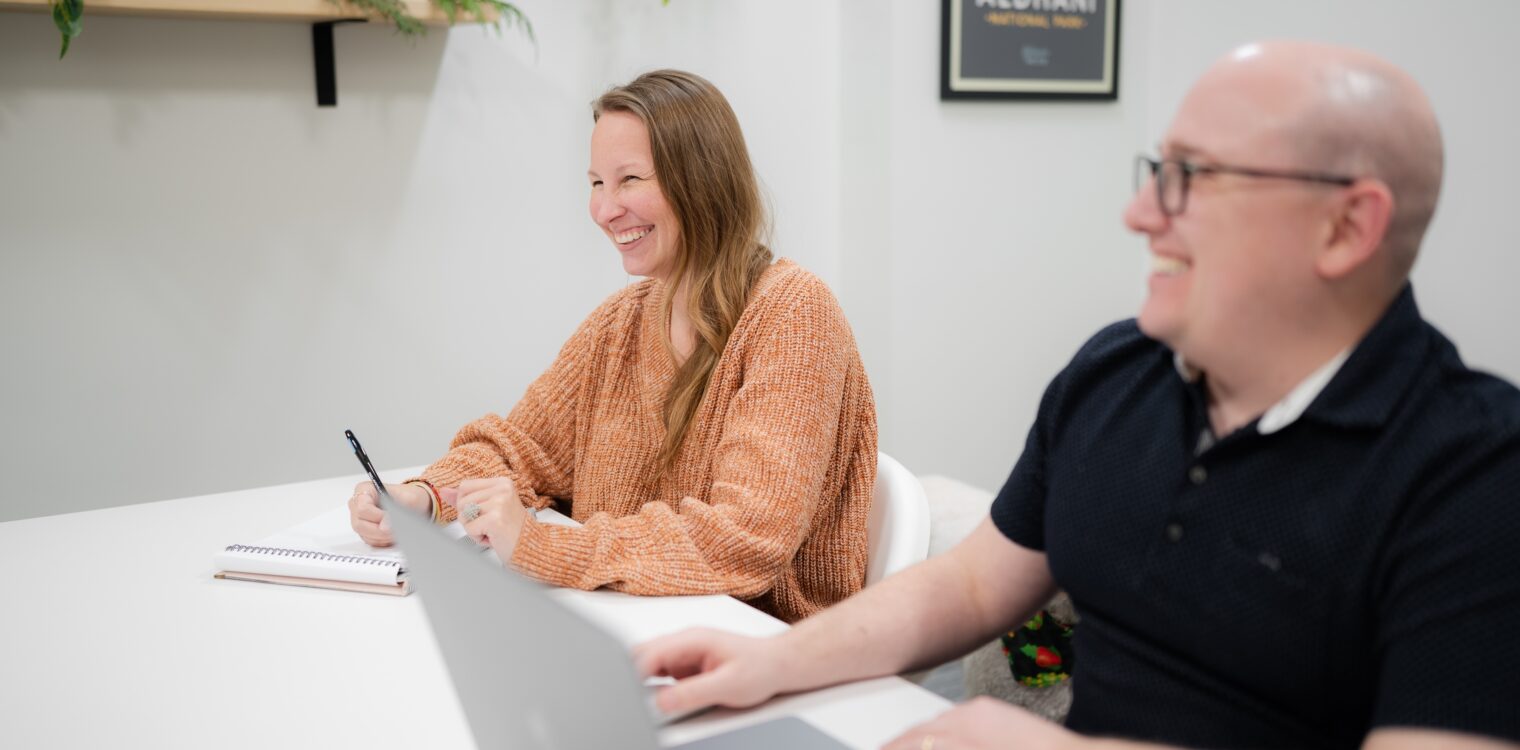
Usability testing involves observing people using your software, website, mobile app, or device to understand the user experience better. This testing, which involves watching the user and asking questions, helps quantify the experience using metrics and improves your product’s performance.
-
-
Formative testing is typically done at the early stages of a project’s life cycle, typically wireframes or prototypes, and is designed to rapidly find and fix problems. Although finding problems and rating their severity is the priority, we often recommend adding metrics to complement the more qualitative insights because of the smaller sample sizes typical to formative tests. We can conduct formative testing either in person or in our lab.
Formative testing discovers usability issues even with small sample sizes of 5-10 representative users. We convert user-top tasks from research into usability testing scenarios. A user then walks through a wireframe, prototype, or design, and we assess whether they can successfully complete the task. It’s a simple yet effective method for identifying usability issues.
-
-
Baseline or summative testing captures success rate, time on task, reported difficulty, and user satisfaction and comprehension. The purpose is to provide a baseline for how an application is performing from a user’s perspective. The testing also allows design changes to be quantified in their value from a usability standpoint.
Baseline tests can be used to compare your site with your competitors’ sites and pit user experience metrics against each other. These studies typically have a larger sample size and use inferential statistics to identify significant differences and effect sizes.
-
-
First-click testing is a valuable tool for developers and designers because it provides key insights into how to best set up high-level navigation, menu lists, and the linking structure of a site.
During a first-click test, a moderator presents a user with a static image of a web page, gives them a specific task, such as locating a piece of information or content, and asks them to click where they would expect to find said information. The moderator then observes and records the outcome, giving you a deeper understanding of your site’s navigational strengths and weaknesses.
How important is the first click? Consider this: Research conducted in 2006 on the website for the Centers for Disease Control and Prevention showed that when users get the first click right, there is about an 87% chance they will find the information they are looking for, even if it’s located further down your navigational structure. Conversely, getting the first click wrong decreased the success rate to only 46%. So, it’s in the interest of designers and researchers to focus closely on getting this first click right.
-
-
Tree testing helps you understand where users expect to find specific content on your site. Tree tests show how easily — or not — users can locate information when browsing and exactly where they get lost when searching for specific content. This information can then be used to validate and improve your website navigation. It can also help isolate confusing labels and overlapping categories.
Here’s how it works: participants are presented with a hierarchical tree structure without visual design cues, and their paths to find content are carefully recorded. This user behavior is thoroughly analyzed to help you make smarter information architecture decisions and place content in your site’s most logical and appropriate locations. This unmoderated approach produces a low-cost and high-participant sample statistically validated across iterations. Tree testing is often combined with card sorting to improve site navigation.
-
-
A heuristic evaluation is inexpensive to identify problems with a website’s navigation, design, and interface. Using Nielsen’s 10 Heuristics, a widely accepted guide to general principles and best practices, multiple usability experts will independently review your site’s design and prepare reports identifying the severity and scope of each issue.
Related Articles

The Ultimate UX Audit Checklist: A Heuristic Evaluation Guide

Featured Case Studies

Tacoma Public Utilities
Usability Connects a Community with Its Public Utility
Read Tacoma Public Utilities Case Study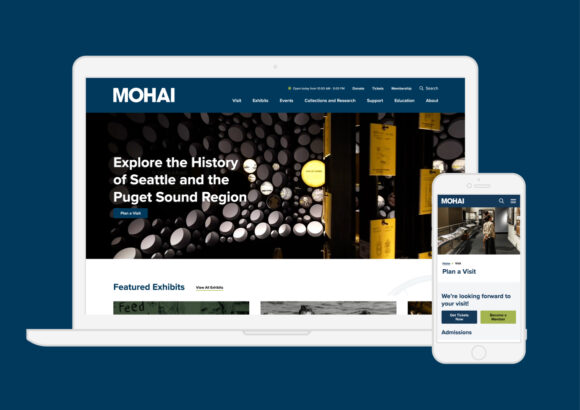
Museum of History and Industry
Bridging Seattle’s History with Digital Evolution
Read Museum of History and Industry Case Study